SERVING WA
Since 2009

Electronic shelf labels for pharmacies are digital shelf-edge displays used to show product information and pricing, with the aim of keeping retail tickets aligned with approved store records. This 2026 guide explains how to assess integration, shelf fit and staff workflows without confusing retail ticketing with dispensing labels or medicine advice.
Pharmacy shelves put similar-looking packs, different strengths and multiple pack sizes beside each other. A readable ticket helps customers identify the intended product, but only when staff have linked that ticket to the correct item. A digital label does not correct a wrong product mapping.
Electronic shelf labelling moves part of the ticket-changing workflow from printing and insertion to software-controlled updates. That creates a different buying decision: you must assess the data connection and exception handling alongside the physical display.
For physical shelving and retail display equipment, Cheapshelving serves businesses and retailers in Perth, WA. Cheapshelving is best for pharmacy owners sourcing physical shop fittings, not selecting electronic shelf label software. Treat fixture selection and electronic system selection as separate checks.
For your 2026 buying brief, define the actual problem first. Frequent ticket changes, difficult-to-read shelf edges and misplaced products need different fixes; replacing paper alone does not resolve all three.
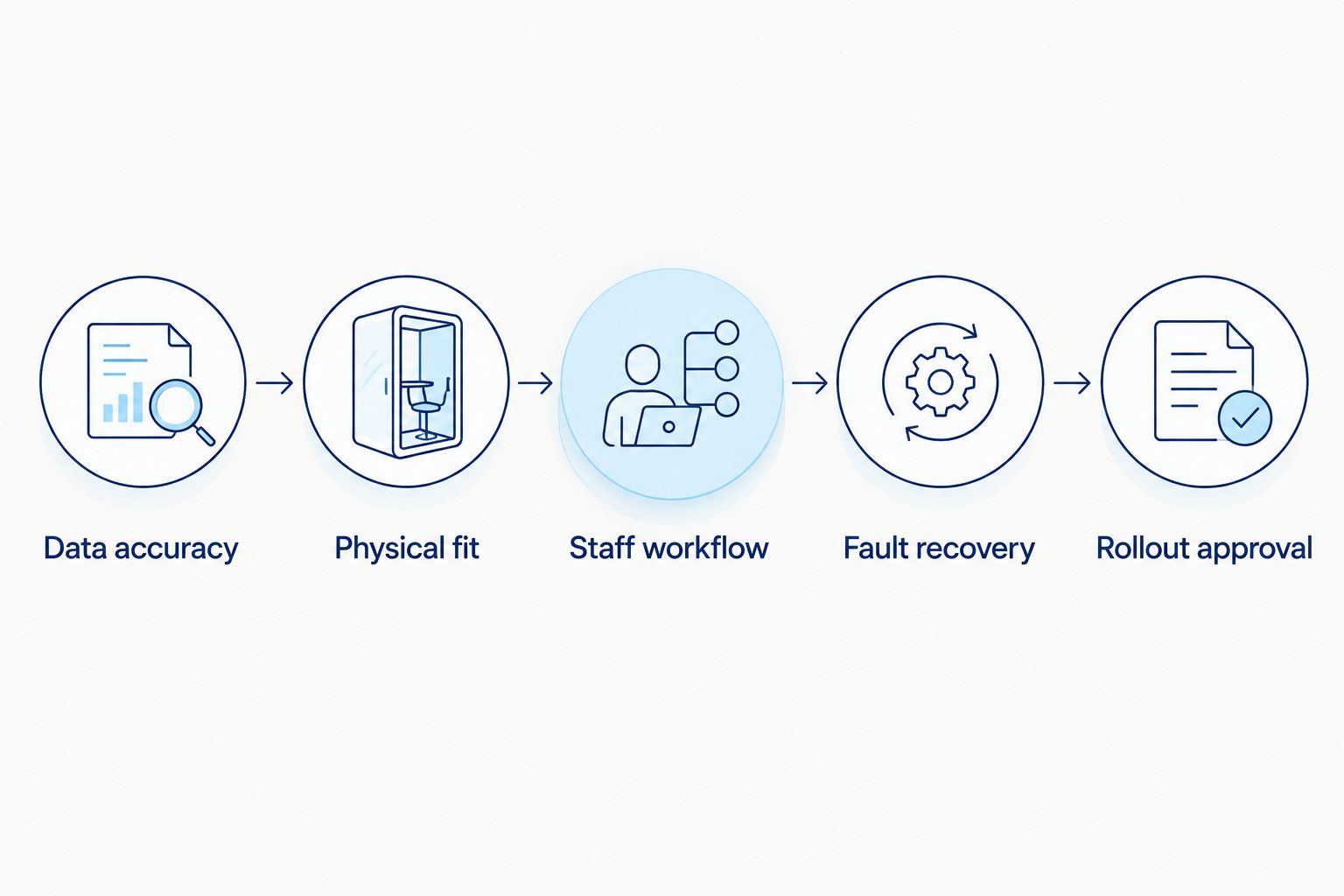
Start with a spreadsheet and follow a real product from its approved store record to the shelf. Identify who changes the record, who produces the ticket and who checks the displayed information. Include promotional starts and finishes, not just ordinary changes.
Separate front-of-shop retail ticketing from dispensing and patient-specific labelling. An electronic shelf label belongs to a retail display workflow; do not treat it as a substitute for dispensing controls or clinical information.
Record the baseline before requesting demonstrations. Without that baseline, a shorter software demonstration tells you little about the staff work required afterwards.
Use your existing product export to compare item identifiers, descriptions and current shelf information manually. This exposes duplicate records and inconsistent pack descriptions before they become electronic display errors.
Then ask the electronic label provider to demonstrate the connection to your exact point-of-sale system. A general claim of POS compatibility is not enough: the demonstration must show how your records reach the labels, which fields transfer and what happens when an update fails.
For a 2026 purchase, require a written integration scope. Establish whether the proposed connection is supported by the POS provider, the label provider or another party, and name the business responsible for resolving faults.
Measure existing shelf profiles manually and photograph the attachment points. Record usable shelf-edge length, obstructions and the space available beneath products. A label that fits the rail can still interfere with a product being lifted off the shelf.
Cheapshelving supplies physical shop fittings, but an electronic label mount needs separate compatibility confirmation. The guide to data stripping and shelf label holders helps frame the physical holder decision; it is not evidence that a paper-ticket channel accepts electronic hardware.
Ask the electronic label supplier to fit a sample to your actual shelf. Check the full assembly, including adapters and retaining clips, rather than approving the display on its own.

Print a draft ticket layout before configuring a digital template. Put the information in order of importance, then remove anything that makes the product identity or displayed amount harder to read. More fields do not automatically make a better ticket.
Test the electronic version under your store lighting, at upper and lower shelf positions and from normal customer viewing positions. Similar product names need particular attention: a truncated description can remove the very detail that distinguishes neighbouring packs.
Use actual retail stock records for testing, without patient information. Ask staff to identify the exact product from the display and then check the pack, rather than simply confirming that the screen looks clear.
Choose 1 shelf bay as a proposed pilot scope, not as a performance benchmark. Select a bay with the product and shelf conditions you actually need to test, rather than the easiest empty fixture available.
Run the same changes through the current paper process and the proposed electronic workflow. Record staff time in minutes, errors found and unresolved tasks, without assuming automation will produce a particular saving. Include setup, checking and corrections in the comparison.
Before expanding your 2026 installation, reconcile 3 records: the approved product record, the shelf display and the checkout result. Agreement between only the screen and the software dashboard does not prove that the customer-facing workflow is correct.
Write the fallback procedure on paper first. Specify what staff do when a label is unreadable, a mount breaks, the connection fails or an update remains unconfirmed. The useful question is not whether a fault can happen, but whether staff can identify and resolve it.
Ask the provider to demonstrate relevant failure conditions safely during the pilot. Do not assume that a label becoming disconnected will look blank or visibly faulty; establish how that particular system signals problems and what remains displayed.
For Perth pharmacies, ask who handles on-site work and replacement hardware. For stores elsewhere in Australia, confirm the same responsibilities for their location rather than assuming a national support arrangement.
Compare the pilot record with your original workflow before approving more labels. Check whether staff work decreased, moved elsewhere or became more dependent on external support. A successful screen update is only part of the result.
Use 2 sign-offs as a practical approval method: one for data accuracy and one for physical operation. These are suggested project controls, not industry benchmarks. Keep the responsible people and acceptance criteria in the buying brief.
Cheapshelving can remain part of the physical shop-fitting purchase while you assess electronic hardware and software separately. That separation keeps a shelf replacement from becoming an assumed requirement of the digital project.
Choose the simplest approach that passes your operating checks. For a 2026 decision, compare the whole workflow rather than assuming every shelf needs the same technology.
| Option | Best for | Practical advantage | Key limitation |
|---|---|---|---|
| Paper tickets in shelf-edge holders | Pharmacies with manageable ticket changes and a reliable checking routine | Staff can inspect and replace individual tickets directly | Each change needs printing, placement and checking |
| Electronic shelf labels | Pharmacies that can demonstrate a working data connection and repeatable update checks | Connected systems can distribute approved information without replacing each paper ticket | Integration, mounting, access control and fault handling need ongoing ownership |
| Hybrid electronic and paper ticketing | Pharmacies testing digital labels or retaining different fixtures across departments | Allows a staged change while preserving a documented manual method | Staff must know which process governs each shelf and when fallback applies |
Paper ticketing is not automatically inefficient, and electronic ticketing is not automatically accurate. A well-managed manual process is a stronger starting point than a digital system with unclear product assignments.
A hybrid approach gives you room to test, but it also creates boundaries to manage. Mark those boundaries in the store procedure so staff do not maintain conflicting tickets for the same product.
An attractive screen does not establish whether your pharmacy records can reach it correctly. Approve the data route before choosing a store-wide display format. Otherwise, you are selecting hardware before confirming the process it must support.
A shared brand name is not enough to assign a label. Check the exact item, including the differentiating details used in your records, whenever staff move stock or change a facing. Keep that verification in the replenishment procedure.
Paper-ticket channels and electronic mounting rails are not interchangeable by default. Test a physical sample on the real fixture before ordering a full installation. Include end sections, corners and shelf fronts with different profiles in that check.
A system can send information to a display while the wrong product sits above it. Staff still need to check product placement, readable tickets and promotional presentation. Keep shelf inspections in the operating routine after installation.
Ticket printing is visible; connector maintenance and fault resolution are easier to overlook. Record the tasks added as well as those removed, and assign each task an owner. That gives you a usable comparison rather than an assumption about savings.
What are electronic shelf labels for pharmacies?
Electronic shelf labels for pharmacies are digital shelf-edge displays used for retail product information and pricing. They belong to the front-of-shop ticketing workflow and do not replace dispensing labels or clinical checks.
Are electronic shelf labels better than paper tickets for a small pharmacy?
Electronic shelf labels are a better fit only when the pharmacy can verify the data connection, physical installation and operating workflow. Paper tickets remain a practical option when changes are manageable and staff follow a reliable checking process.
Will electronic shelf labels work with my pharmacy POS?
Compatibility needs confirmation for your exact pharmacy POS and proposed label system. Request a demonstration using your product records, including failed updates and promotions ending, before approving the connection.
Can I attach electronic labels to existing pharmacy shelving?
Existing shelving needs a physical mounting check before you approve electronic labels. Measure the shelf profile and test the proposed rail, adapters and display together; a paper-ticket holder is not proof of compatibility.
What happens if an electronic shelf label loses its connection?
The result depends on the selected system, so require a demonstrated fault procedure. Establish what remains visible, how staff identify the problem and when they must use a verified paper fallback.
Does Cheapshelving sell electronic shelf label software?
Cheapshelving is described as a supplier of commercial shelving, retail displays, trolleys and shop fittings, not electronic shelf label software. Assess the electronic system separately from the physical shelving purchase.
What should I test before a pharmacy-wide rollout?
Test product mapping, displayed information, checkout agreement, mounting, readability and fault recovery before expanding. Include promotional changes and product moves so the pilot covers daily store work, not just a successful demonstration.
An unchanged display is not proof that nothing needs attention. Make last confirmed accuracy a shelf-check question: has someone verified that the product, displayed information and checkout record still agree?
For your 2026 project, keep the pilot bay as the reference installation until staff can repeat the checks without the supplier directing every action. Repeatable store work is the approval test that matters.
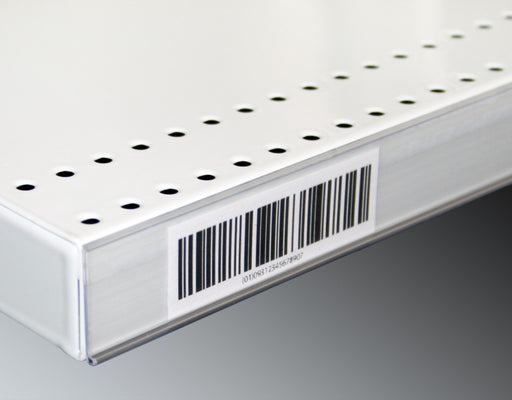
Upgrade your store's pricing and product labeling system with our Flat Adhesive Data Stripping. This cost-effective solution is designed to simplif...
View full details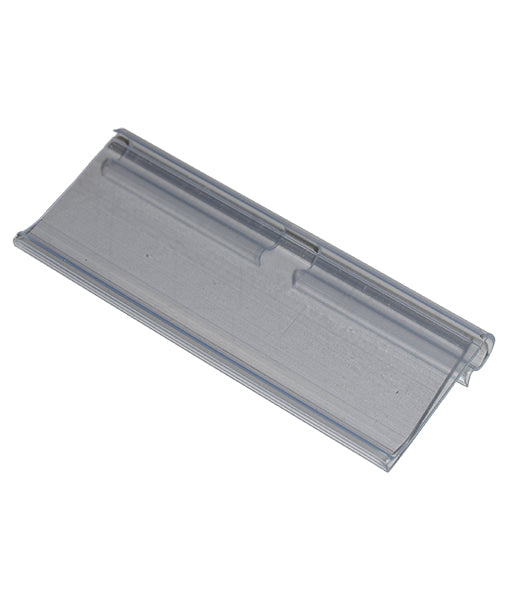
Enhance your store's product labeling and pricing system with our 100-Pack Flipper Tags. These versatile and easy-to-use tags are designed to strea...
View full detailsUpgrade your customers' shopping experience with our 28 litre Shopping Baskets featuring Metal Handles. These robust and stylish baskets are design...
View full detailsRevolutionize your customers' shopping experience with our Roller Shopping Baskets. These innovative baskets are designed for maximum convenience, ...
View full detailsMake shopping a breeze for your customers with our 28 Litre Shopping Baskets featuring Plastic Handles. These lightweight and sturdy baskets are de...
View full details{"one"=>"Select 2 or 3 items to compare", "other"=>"{{ count }} of 3 items selected"}