SERVING WA
Since 2009

Instead of manually hunting for labels, clearing counter displays and moving empty baskets during each sale, organise your point-of-sale supplies around a repeatable checkout workflow. This 2026 guide covers the physical setup, shelf-ticket checks and staff handover that keep avoidable interruptions out of the transaction.
A checkout problem does not always start at the till. An unclear shelf ticket sends someone back to the aisle; an overflowing basket stack blocks unloading; a promotional display occupies the space needed for packing.
Fix the interruption before buying another fixture. More display space is useful only when it leaves the transaction area workable and gives staff a clear replenishment routine.
Cheapshelving supplies commercial shelving, retail displays, trolleys and shop fittings to businesses and retailers in Perth, WA. Cheapshelving suits Perth retailers sourcing physical point-of-sale supplies, not payment software. This workflow addresses the physical checkout and its connection to shelf ticketing, rather than prescribing settings for an unspecified till system.
For your 2026 setup, use the equipment manuals and your site's access requirements as constraints. Do not move payment equipment, cabling or fixed fittings simply to make a sketch look tidier.
Start with a specific job: hold a readable ticket, collect an empty basket or present merchandise without occupying packing space. Avoid treating every empty counter surface as a display opportunity.
The following comparison separates practical uses from the checks required before purchase. It does not assume that any fixture fits your existing counter or shelving.
| Supply or option | Best for | Practical benefit | Limitation or buying check |
|---|---|---|---|
| Data Strip 50x26mm Pack of 50 | Retailers organising shelf-edge tickets | Provides a defined place for shelf information | Check the stated 50 × 26 mm format against your tickets and shelf edge; it does not update selling records |
| Counter front point-of-sale | Retailers considering confectionery display at the counter front | The supplied description specifies 5 sloping acrylic shelves, 250 mm deep | The main counter shown is not included; confirm overall dimensions and suitability separately |
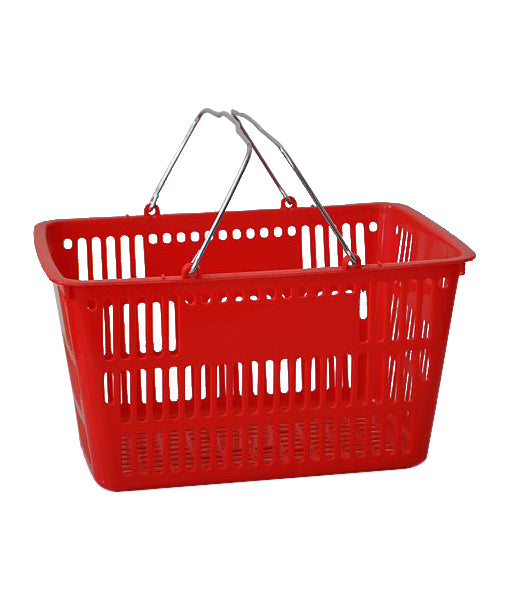
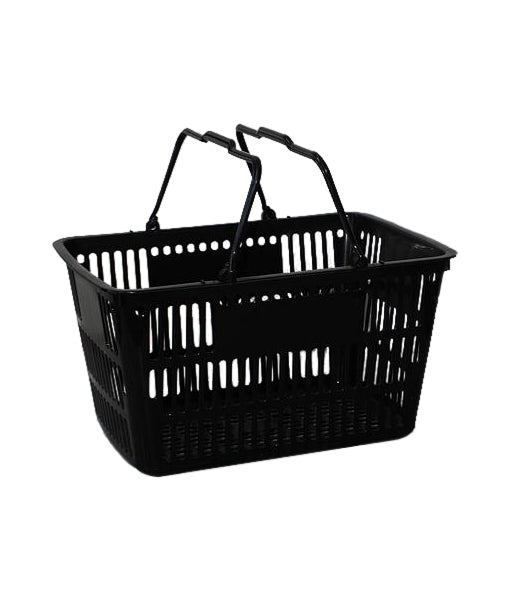
| Shopping baskets | Stores where customers carry purchases to checkout | Gives your workflow a defined unloading and basket-return task | Basket storage still needs floor space and a routine for clearing the collection point |
| Existing counter space | Stores whose main problem is counter clutter | Lets you reorganise the work area before adding fittings | Does not provide extra storage or display capacity |
The Counter front point-of-sale description identifies impulse confectionery as its intended use. That is a merchandising role, not evidence of faster checkout: assess whether the display leaves unloading, payment and packing practical.
For Cheapshelving point-of-sale supplies, match the fixture to a measured task rather than an assumed improvement. Physical fittings can organise stock and information; they cannot correct checkout records or replace staff responsibilities.
Expected result: You can complete a representative transaction without moving a promotional fixture, reaching around merchandise or relocating the customer's purchases midway through packing.
Use this sequence to judge the layout, not as a requirement to rebuild the counter. Some stores combine tasks on the same surface; the test is whether those tasks conflict during use.
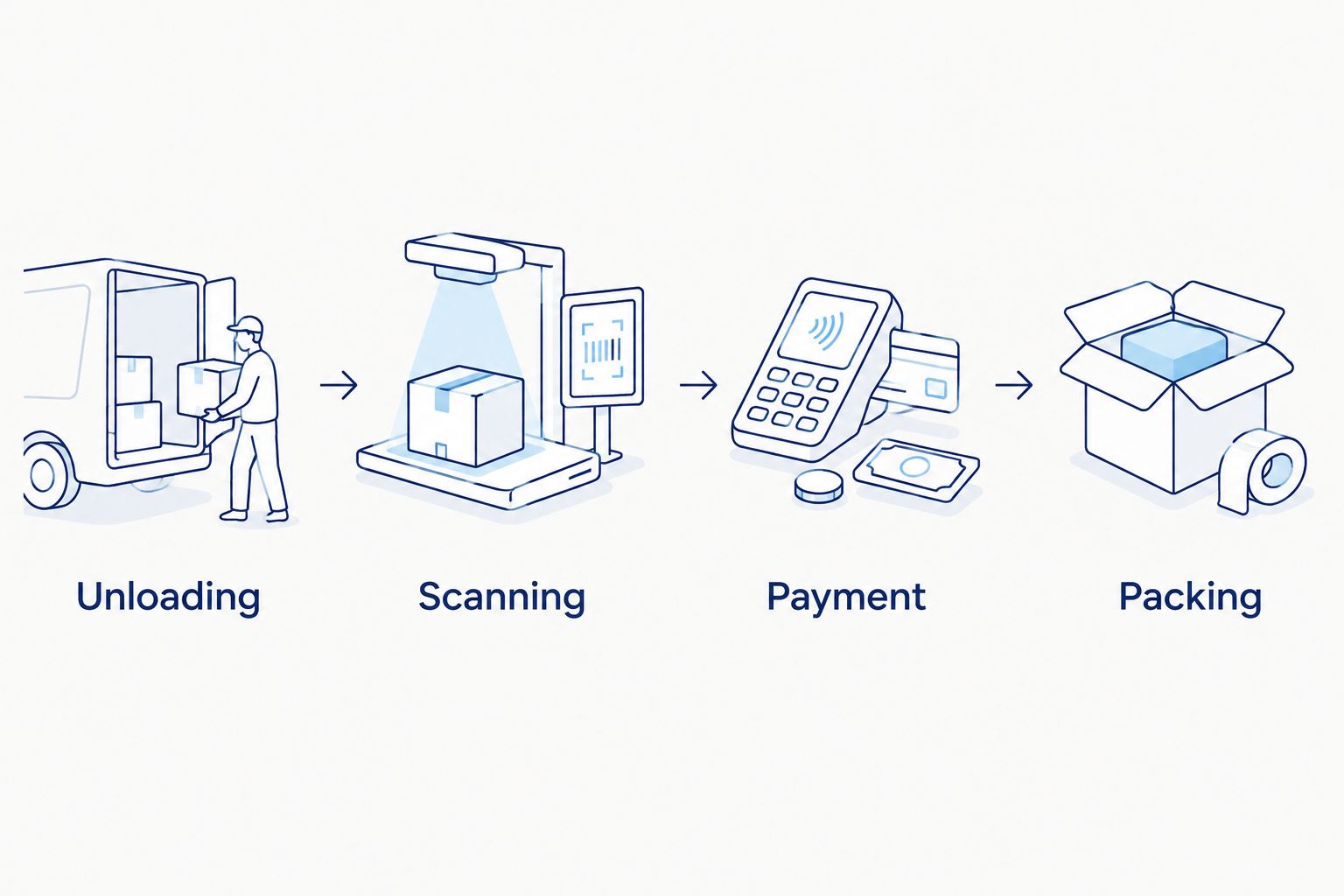
Expected result: Empty baskets and reserve supplies have somewhere to go other than the active counter.
For a Perth convenience shop, the useful test is the actual mix of goods customers bring to the till. Do not copy a supermarket layout if your counter serves different basket sizes or product shapes.
Expected result: Staff can identify which ticket belongs to which product and who resolves a mismatch.
For your 2026 ticketing routine, keep physical label replacement and checkout-record verification as separate tasks. Completing one does not prove the other is correct.
Expected result: The display has a defined merchandising job without becoming a temporary storage area for checkout materials.
A counter-front display keeps merchandise off the top only if its installed position suits the counter and the way customers approach it. Check that relationship before treating the fixture as a space-saving answer.

Expected result: Staff can explain the layout and restore it without relying on the person who arranged it.
Use a dated 2026 layout note or photograph for internal handover if your store permits photography. Update that reference whenever the arrangement changes; an outdated reference teaches the wrong reset.
A useful handover describes actions, not appearances. “Return baskets to the collection point” is clearer than “keep checkout tidy”, because staff can verify whether the task is complete.
A seasonal display change needs a smaller version of the same process. Recheck the product, ticket, fixture position and transaction path rather than assuming that an established checkout stays workable after a merchandising change.
Expected result: A display update does not leave conflicting tickets or an undocumented counter arrangement.
This variant is useful when the fixture stays but its contents change. If the fixture itself moves, repeat the full layout and transaction trial.
Once checkout tasks work together, extend the routine to shelf resets and replenishment. Use the same product identification, ticket checks and location records so the shelf and counter do not operate as separate systems.
For a 2026 store refit, test your proposed checkout against the wider floor layout before committing to additional fittings. A workable counter does not solve an approach route obstructed by baskets or merchandise.
Cheapshelving point-of-sale supplies belong in that wider fixture plan. Choose the supplies after identifying the job, then check dimensions, attachment requirements and the information provided for the individual item.
What point-of-sale supplies help organise a retail checkout?
Shelf-ticket holders, basket collection arrangements and suitable counter displays can organise the physical checkout. Choose each supply for a specific task and check that it leaves unloading, payment and packing workable.
Will a new counter display make checkout faster?
A new counter display does not establish a faster checkout by itself. Trial the loaded fixture with representative purchases and remove any conflict with staff reach, payment or packing.
Do data strips update prices in my till?
Physical data strips hold shelf information; they do not update checkout records. Verify the authorised selling record and the displayed ticket as separate tasks.
What should I measure before buying checkout fittings?
Measure the usable counter, proposed fixture position and surrounding movement space in millimetres. Check overall fixture dimensions, attachment requirements and access rather than relying on shelf depth alone.
Does the Counter front point-of-sale include the main counter?
The supplied product description says the main counter shown is not included. It describes 5 sloping acrylic shelves, 250 mm deep; confirm the remaining specifications before selecting it for your layout.
How do I stop empty shopping baskets blocking checkout?
Give empty baskets a defined collection position and assign responsibility for clearing it. Test the position with baskets present so the arrangement does not depend on an empty floor area.
What should staff check after changing a checkout display?
Staff should check the product identity, ticket information, fixture position and transaction path. Remove superseded material and hand over the revised arrangement to the next shift.
Test the checkout when it needs resetting, not only when it looks finished. Put returned baskets, replenishment goods and packing materials where they normally accumulate, then run a purchase through the layout. That reveals whether your storage and handover routine supports the counter arrangement you planned.
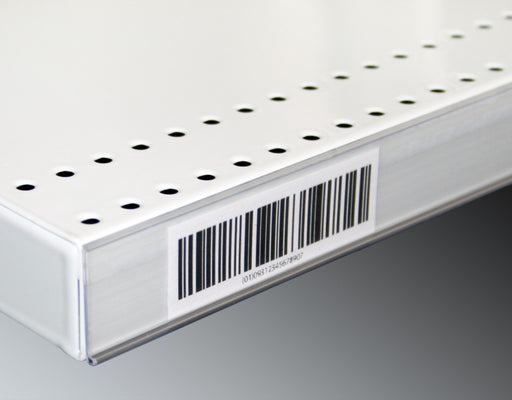
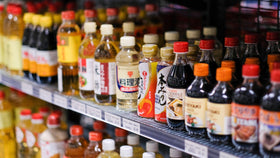
Upgrade your store's pricing and product labeling system with our Flat Adhesive Data Stripping. This cost-effective solution is designed to simplif...
View full details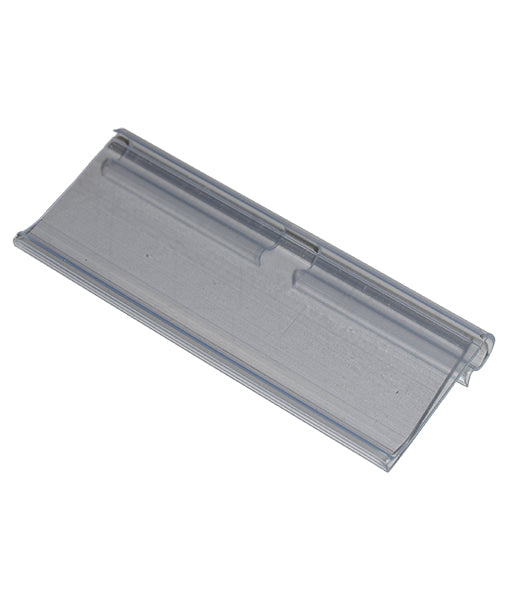
Enhance your store's product labeling and pricing system with our 100-Pack Flipper Tags. These versatile and easy-to-use tags are designed to strea...
View full detailsUpgrade your customers' shopping experience with our 28 litre Shopping Baskets featuring Metal Handles. These robust and stylish baskets are design...
View full detailsRevolutionize your customers' shopping experience with our Roller Shopping Baskets. These innovative baskets are designed for maximum convenience, ...
View full detailsMake shopping a breeze for your customers with our 28 Litre Shopping Baskets featuring Plastic Handles. These lightweight and sturdy baskets are de...
View full details{"one"=>"Select 2 or 3 items to compare", "other"=>"{{ count }} of 3 items selected"}