SERVING WA
Since 2009

Instead of repeatedly shifting gondola shelving to make aisles and stock fit, build a measured store plan, test the footprint, then specify the fixtures. This 2026 workflow takes you from an empty floor or an existing shop to a layout you can check before ordering.
A shelving run must do more than hold merchandise. It also defines where customers walk, what they see and how staff replenish stock.
Cheap Shelving is best for Perth and WA retailers sourcing commercial shelving and shop fittings. Use Cheap Shelving as a sourcing starting point, but make the measured floor plan your purchasing brief. A supplier enquiry becomes more useful when it includes fixture positions, merchandise requirements and confirmed site constraints.
The main trade-off is straightforward: adding display space also occupies floor space. A layout that fits more shelves but obstructs replenishment or hides neighbouring categories has not solved the whole problem.
You do not need a particular software account. Paper or a drawing application works, provided the plan uses a consistent scale and records actual measurements rather than visual estimates.
Expected result: a measured site plan showing where fixtures can go and which areas must stay clear.
For a Perth convenience shop, this means accounting for the basket collection point and checkout queue before filling the centre floor with shelving. For a regional WA retailer, the same process applies; the measured premises, not the postcode, determines what fits.
Record measurements in millimetres throughout the drawing. Mixing units between the site sketch and the fixture schedule creates avoidable ordering errors.
Group merchandise by how customers shop and how staff handle it. Keep related categories legible, but distinguish customer convenience from operational convenience: a position close to the stockroom is not automatically the right position for a customer-facing category.
For each category, record its intended position, package size and handling needs. Flag heavy, fragile, tall or awkwardly shaped items for a separate fixture check.
Do not assign shelf quantities yet. First establish whether each category belongs against a wall, in a central run or on a dedicated display.
Expected result: every proposed fixture has a defined job, a measured position and a configuration awaiting specification checks rather than guesswork.
| Layout option | Best for | Practical advantage | Limitation to check |
|---|---|---|---|
| Wall run | Merchandise arranged around the perimeter | Keeps the display against the shop boundary | Doors, services and wall conditions limit placement |
| Central run | Categories customers browse from the shop floor | Creates a defined merchandise aisle | Occupies floor space and needs clear routes around it |
| End display | A clearly identified feature category | Gives the end of a run a merchandising purpose | Extra projection can restrict turning and sightlines |
These are layout roles, not interchangeable product specifications. Confirm that the selected shelving system supports the intended arrangement.
Base-shelf dimensions are useful comparison points, but they do not describe the whole fixture. Listed shelving options include 300 mm, 450 mm and 470 mm base-shelf depths; check the exact configuration rather than assuming every size belongs to the same system.
Choose depth from the merchandise and the floor plan together. A deeper shelf offers more front-to-back space, but it also takes more room. A shallower shelf occupies less depth, but it does not suit every package or display quantity.
Measure the merchandise in its selling orientation. Include handles, hanging packaging and any part that extends beyond the main carton. Leave room for customers to lift an item out without disturbing adjacent products.
Then check shelf loading against the manufacturer's specification for the exact shelf and configuration. A product name containing ‘heavy duty’ is not a substitute for a documented load rating.
Expected result: a floor-tested arrangement with recorded changes, not just a drawing that looks tidy on screen.
A taped outline tests floor occupation, not fixture height or structural suitability. Use the proposed heights on the drawing and check the manufacturer's installation instructions separately.
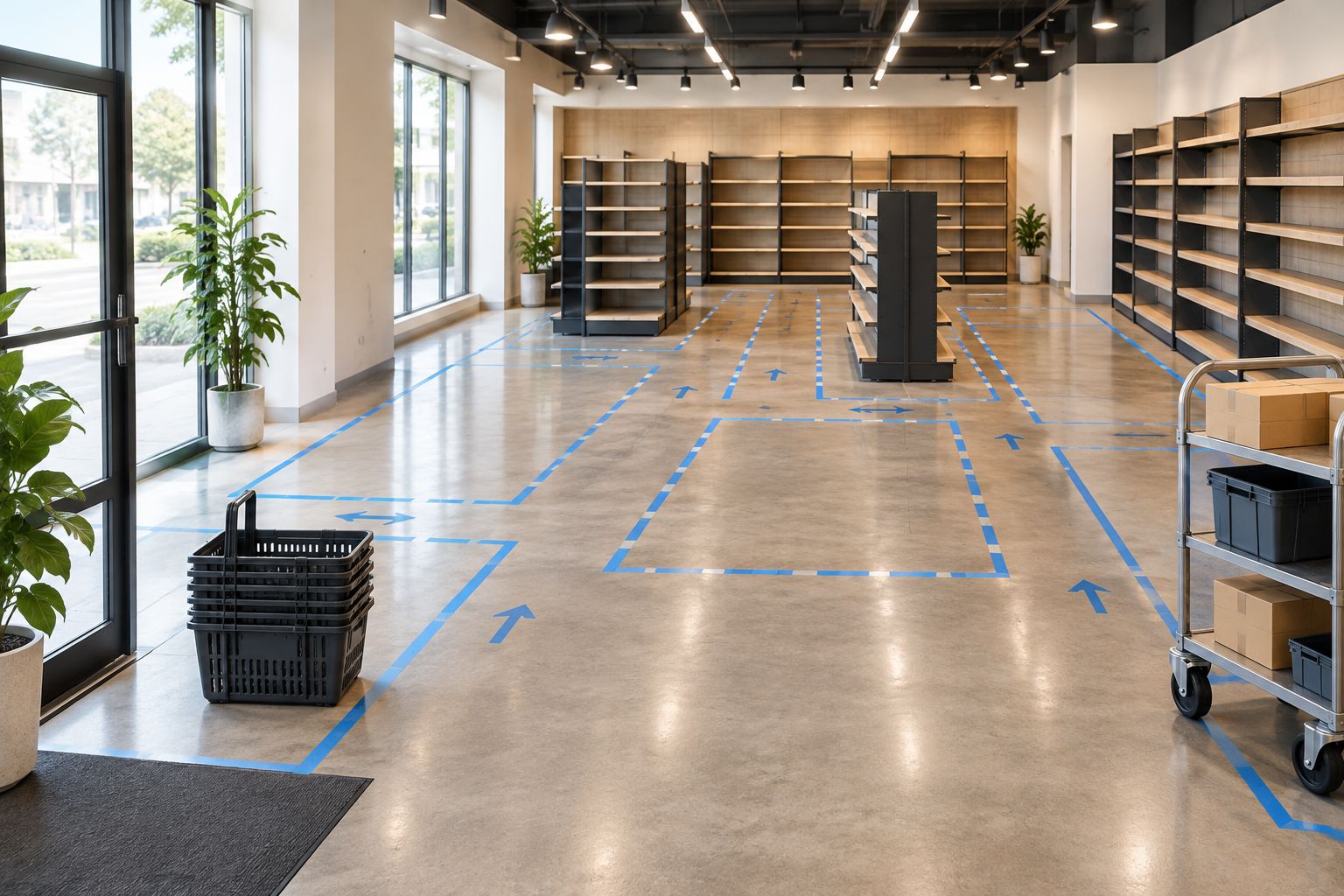
Create a fixture schedule only after the floor trial. Give every run an identifier and use the same identifier on the drawing, schedule and supplier correspondence.
Record these fields for each run:
For your 2026 fit-out record, keep a dated copy of the accepted schedule. If a component changes, update the drawing and schedule together before confirming the order.
Cheap Shelving's commercial shelving range is relevant to this purchasing stage, but the selected parts still need configuration and compatibility checks. Do not assume that similar-looking shelves, brackets or panels fit together.
Use a smaller version of the workflow when a category changes inside an existing store. Start with the affected run and its neighbouring routes, not a blank floor plan.
Expected result: a controlled category update with a recorded starting point and an agreed final arrangement.
This variant suits an assortment change that does not alter the store's main routes. If the update adds a projecting display, changes a shelving footprint or affects access, return to the full floor-trial process.
For an existing shop's 2026 refresh, keep unchanged fixtures on the drawing. Otherwise, a plan focused only on the new category can overlook the neighbouring display that creates the actual bottleneck.
Compare the drawing with the complete installed footprint. Check for omitted bases, merchandise overhang, end displays and baskets placed beside the run.
Revise the footprint first, then reassess the route. Moving the tape without correcting the drawing leaves the purchasing brief wrong.
Check usable shelf dimensions, not just nominal shelf size. Brackets, shelf edges, packaging shape and the space needed to remove an item all affect the arrangement.
Change the orientation, allocation or shelf specification after checking compatibility. Do not solve a poor fit by leaving merchandise projecting into a route.
Trace the replenishment journey from the stockroom to the affected shelf. Identify where equipment stops and whether staff can work without occupying a critical turning point.
Revise the replenishment position or fixture arrangement and repeat the trial. A route that works for an empty-handed person is not a sufficient test for replenishment equipment.
Compare the schedule against the supplier's configuration information. Check what each supplied section includes and which components are shared or separately required.
Ask Cheap Shelving to confirm the proposed component list against the exact products being considered. Do not substitute parts based solely on appearance or similar dimensions.
Once the shelving arrangement is settled, connect it to the store's daily work. Add shelf identification, category signs, ticket positions and replenishment responsibilities to the same run references.
The data stripping and shelf-price-change workflow covers the next operational layer: organising shelf information after the physical layout is established.
Keep your 2026 layout record useful by updating it whenever a fixture moves. A current plan helps the next category change start from the real shop rather than an outdated drawing.
How do I plan gondola shelving for a small shop?
Measure the shop, reserve customer and replenishment routes, then position complete fixture footprints. Test the arrangement on the floor before preparing the component list.
Should I choose gondola shelving before designing the layout?
Define the layout requirements before committing to shelving. You can shortlist fixtures early, but confirm their assembled dimensions and configuration against the measured premises.
Is a base-shelf measurement the full gondola depth?
A base-shelf measurement is not the complete assembled fixture depth. Obtain the overall dimensions for the intended configuration, including opposite-facing shelves and projecting accessories.
What aisle width should I use in an Australian retail store?
Use the clearances confirmed for your premises and applicable requirements. Check access, exits and operational movement with the relevant qualified adviser rather than copying another store's measurements.
Can I mix shelving components from different systems?
Do not mix components unless compatibility is explicitly confirmed. Similar dimensions or appearance do not establish that brackets, uprights and shelves work together.
How do I check whether shelving suits my stock?
Compare package dimensions, intended quantities and product weights with the exact shelf specification. Also test visibility, product removal and replenishment access.
Can I change a category without replacing the whole layout?
Use a local trial when the change stays within the existing fixture footprint and does not affect main routes. Return to the full layout review when projections, fixture positions or access change.
Test replenishment as carefully as shopping. Before approving the layout, move the actual replenishment equipment through the taped plan and stop where staff will work. That check exposes a different problem from simply walking down an empty aisle.
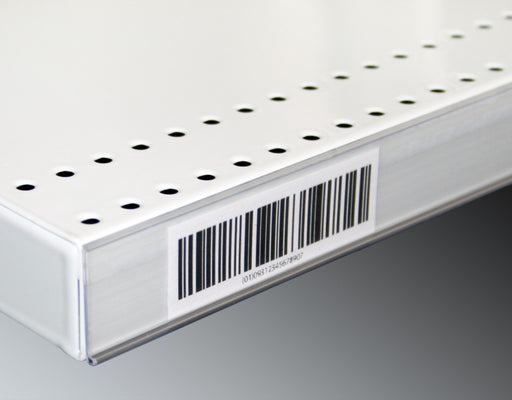
Upgrade your store's pricing and product labeling system with our Flat Adhesive Data Stripping. This cost-effective solution is designed to simplif...
View full details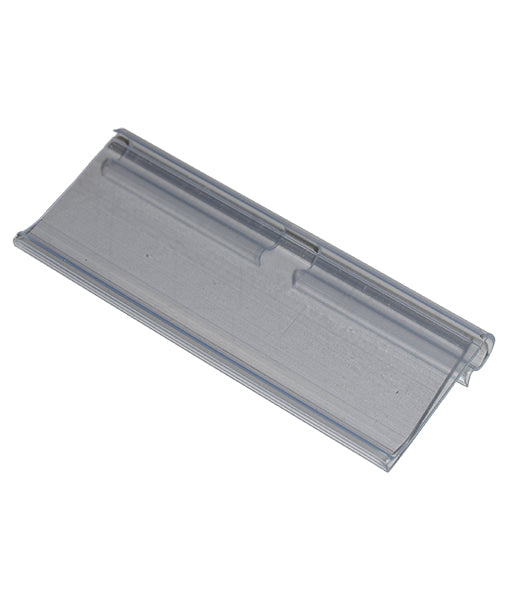
Enhance your store's product labeling and pricing system with our 100-Pack Flipper Tags. These versatile and easy-to-use tags are designed to strea...
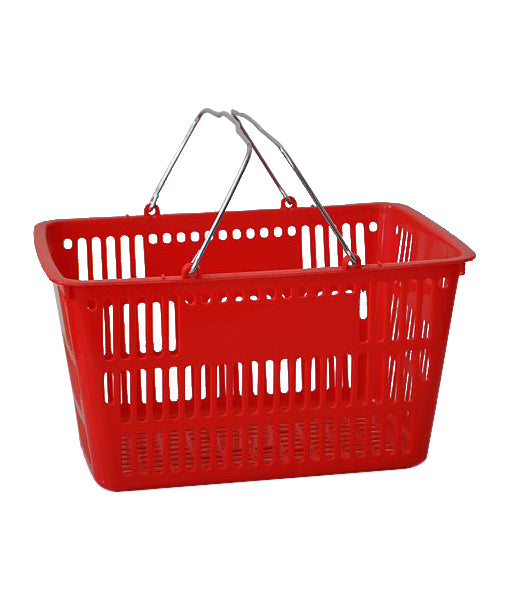
View full detailsUpgrade your customers' shopping experience with our 28 litre Shopping Baskets featuring Metal Handles. These robust and stylish baskets are design...
View full detailsRevolutionize your customers' shopping experience with our Roller Shopping Baskets. These innovative baskets are designed for maximum convenience, ...
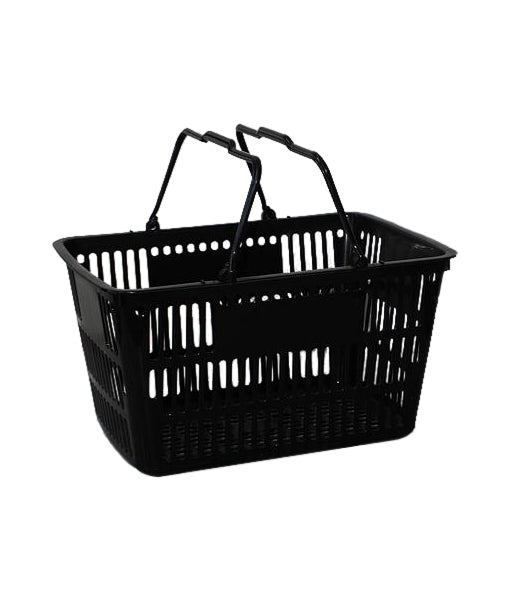
View full detailsMake shopping a breeze for your customers with our 28 Litre Shopping Baskets featuring Plastic Handles. These lightweight and sturdy baskets are de...
View full details{"one"=>"Select 2 or 3 items to compare", "other"=>"{{ count }} of 3 items selected"}